When your washing machine seems to have taken a little break, it’s vital to pinpoint the reason behind its silence. Start by checking the power supply, as a simple connection issue can often be the culprit. From there, you’ll want to inspect other essential components that could affect its operation. Understanding these basic checks could save you time and frustration before considering a service call. What steps should you take next to guarantee a smooth wash cycle?
Check the Power Supply
When faced with a washing machine that refuses to start, the first and often simplest step in troubleshooting is to verify the power supply. Many times, an issue as basic as a lack of electricity can be the cause of your machine’s unresponsiveness.
Step 1: Inspect the Power Cord and Outlet
Begin by examining the power cord of your washing machine. Ensure that it is securely plugged into a functioning electrical outlet. Sometimes, cords can become loose or accidentally unplugged, especially if the machine is located in a tight space or has been moved recently.
If your outlet features a reset button (common in GFCI outlets), press it to reset the power supply. This button often trips due to moisture or electrical surges, cutting off power to the outlet.
Step 2: Check the Circuit Breaker
Next, it’s essential to inspect your home’s circuit breaker panel. Occasionally, the circuit that powers your washing machine may trip, resulting in a loss of electricity. To check this, locate the circuit breaker corresponding to the laundry area. If you find that it has indeed tripped, simply reset it by flipping the switch back to the “on” position. After doing so, return to the washing machine and attempt to start it again.
Step 3: Ensure Electrical Safety
While performing these checks, always prioritize safety. If you notice any signs of wear, such as frayed wires or scorch marks around the plug or outlet, it is crucial not to use the machine. Damaged electrical components can pose serious risks, including electrical shocks or fires. In such cases, consider contacting a qualified electrician to address the issue before attempting to use the machine again.
Step 4: Routine Maintenance
Regular maintenance of your appliances, including periodic checks of the power supply, can help prevent future issues and extend the lifespan of your washing machine. By ensuring a stable and uninterrupted power supply, you take the first essential step toward diagnosing and resolving your washing machine’s starting problems.
Inspect the Door Latch
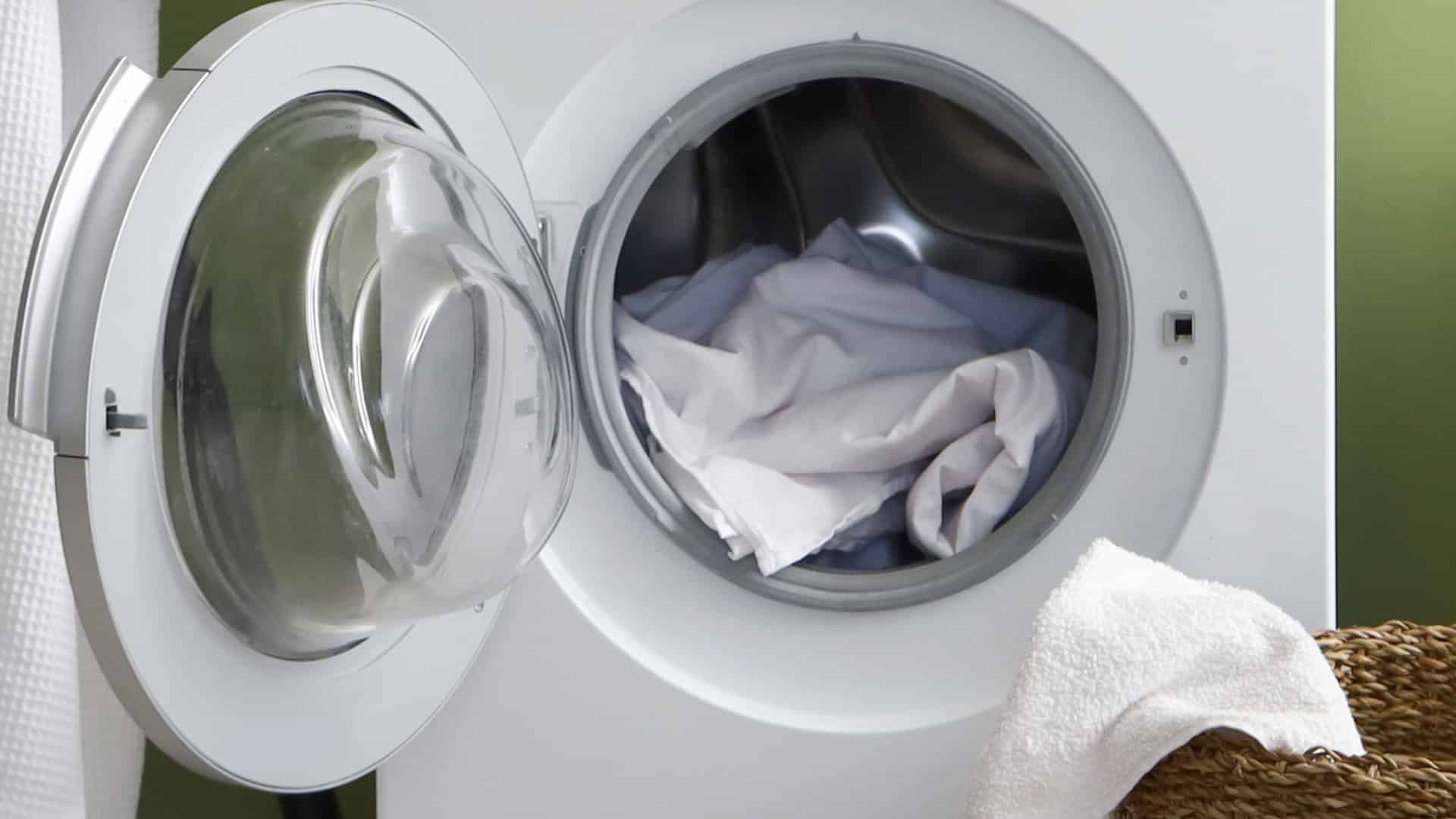
As an expert technician, I cannot stress enough the importance of ensuring that your washing machine starts properly, and a crucial part of this process is inspecting the door latch. A malfunctioning door latch can be the reason your machine fails to operate. The door latch is designed to engage a safety switch, which ensures that the door is securely closed before the wash cycle begins. If the latch is broken or misaligned, the washing machine simply will not start.
Here are the key elements to check when inspecting your washing machine’s door latch:
- Physical Damage: Begin by examining the door latch for any signs of physical damage. Look closely for cracks, chips, or any wear and tear that could affect its functionality. If you notice any damage, it may be necessary to replace the latch entirely to ensure proper operation.
- Alignment: Next, check the alignment of the latch with the door frame. The latch must fit snugly into its designated slot in the door frame. If the latch is misaligned, it may not engage the safety switch, preventing the machine from starting. You can often adjust the latch by loosening the screws and repositioning it until it fits properly.
- Safety Switch Functionality: The safety switch is a critical component that confirms the latch is engaged. To test its functionality, manually engage the latch and listen for a click or check for a light indicator on the control panel (if applicable). If you don’t hear a click or see an indicator light, the safety switch may be faulty and require replacement.
If you discover any issues with the door latch or the safety switch during your inspection, it is essential to address these problems before attempting to operate your washing machine. Ignoring these issues not only prevents the machine from functioning but can also pose safety risks during operation.
Maintaining these components is not just about ensuring efficient operation; it significantly enhances safety during use. A well-functioning door latch protects you from accidents that could occur if the door were to open unexpectedly during a wash cycle. If you’re unsure about making these repairs yourself, don’t hesitate to contact a professional technician for assistance.
Examine the Control Settings
Once you have thoroughly inspected the door latch and confirmed it’s in optimal condition, the subsequent step involves a detailed examination of the control settings on your washing machine. The control panel is crucial, as it ensures your machine operates effectively and efficiently. It’s important to double-check that you’ve selected the correct cycle, as an incorrect setting can prevent the machine from starting altogether.
Here’s a breakdown of the control settings you should review, along with the corresponding actions to take:
| Control Setting | Action to Take |
|---|---|
| Power Button | Ensure it’s pressed firmly. A loose or improperly engaged power button can disrupt the machine’s functionality. If the button feels unresponsive, try pressing it again or check for obstructions. |
| Cycle Selection Dial | Confirm it’s set to the desired cycle. Different fabrics and soil levels require specific settings, so ensure you’ve selected the appropriate one for your load. If the dial seems stuck, turn it gently to see if it moves freely. |
| Start Button | Press it after confirming the cycle selection. If the machine does not respond, hold the button for a few seconds to see if it registers your command. |
| Delay Start Setting | Disable this feature if it’s engaged. If delay start is activated, your machine will not begin immediately, which can be confusing. Make sure to turn it off if you want to start the cycle right away. |
| Child Lock Feature | Ensure this feature is turned off. When activated, child lock prevents changes to settings, which may hinder you from starting the machine. Usually, there’s a specific button combination to deactivate it, so refer to your user manual if needed. |
After verifying that all your settings are correct and the washing machine still won’t start, it may be time to investigate other potential issues. Common problems could include electrical issues, water supply interruptions, or even mechanical failures. Make sure to follow these steps methodically to troubleshoot effectively and achieve the best results. If problems persist after checking these settings, consulting a professional technician may be necessary to diagnose deeper issues.
Look for a Tripped Circuit Breaker
If your washing machine remains unresponsive despite verifying the control settings and checking the electrical supply, the next crucial step is to investigate a potential tripped circuit breaker. This process ensures that electrical power is indeed reaching your appliance, which is essential for its operation.
Here’s a detailed guide on how to check for a tripped circuit breaker:
- Locate the Electrical Panel: The electrical panel is usually found in basements, garages, or utility rooms. Familiarize yourself with its location so you can access it quickly when needed.
- Identify the Correct Circuit Breaker: Look for the circuit breaker that corresponds to your washing machine. This will typically be labeled, but if not, check the layout of your panel. If your washing machine is on a dedicated circuit, it should have its own breaker.
- Inspect the Breakers: Examine the breakers closely. A breaker that is tripped will be in the “off” position or may appear to be in between “on” and “off.” Compare the position of each breaker to ensure they are all fully in the “on” position.
- Resetting the Breaker: If you find that the breaker for your washing machine is tripped, reset it by flipping it all the way to the “off” position first, and then back to the “on” position. You should feel a click when it resets.
- Monitor for Recurrence: After resetting, observe your washing machine when you attempt to start it again. If the breaker trips again immediately or shortly after resetting, this is a clear indication of a deeper electrical issue, which may be due to a short circuit, overloaded circuit, or faulty appliance wiring.
- Seek Professional Help: If the breaker continues to trip after resetting, it is essential to contact a qualified electrician or appliance repair technician. Attempting to troubleshoot electrical issues without proper training can be hazardous.
Regular maintenance, including periodic checks of your circuit breakers, can help prevent power-related issues, ensuring your washing machine runs smoothly. Remember that this simple yet crucial step in troubleshooting can save you time and potential repair costs in the long run. Don’t overlook it!
Test the Power Cord
Before proceeding with other troubleshooting steps, it’s essential to test the power cord of your washing machine. A damaged or faulty power cord can be a major reason why your appliance won’t start. Here’s a detailed guide to help you assess the condition of your power cord effectively.
- Visual Inspection: Begin by thoroughly inspecting the entire length of the power cord. Look for any visible signs of wear and tear, such as fraying, cracks, or any exposed wires. If you find any damage, it is crucial to replace the cord as soon as possible to avoid safety hazards, including electrical shocks or fires.
- Check Connections: Next, examine the cord connections at both the washing machine and the electrical outlet. Ensure that the plug is securely and firmly inserted into the socket. If there’s any looseness in the connection, this could prevent the washing machine from receiving power.
- Test with a Different Outlet: To further diagnose the issue, try plugging the washing machine into a different electrical outlet. This step helps determine if the original outlet is malfunctioning. Make sure that the new outlet is operational by checking that other devices work when plugged in.
- Outlet Testing: If your washing machine still fails to start after testing it in another outlet, it’s a good idea to check the outlet itself. You can do this by plugging in another appliance, such as a lamp or a phone charger, to see if it functions properly. If the alternate appliance doesn’t work either, the issue may lie with the outlet, which could require further inspection by a qualified electrician.
Assess the Water Supply
As an expert technician, one of the key aspects to ensure your washing machine operates effectively is to assess the water supply. A reliable and adequate water flow is crucial for the appliance to function properly. If you encounter issues with your washing machine not starting, the water supply may be the culprit. Here’s a detailed guide to help you evaluate the water supply:
- Check Water Pressure:
- The water pressure should typically be between 20 to 120 psi (pounds per square inch) for most washing machines. Low water pressure can impede the filling process, leading to delays or failure to start.
- To measure the water pressure, you can use a pressure gauge that attaches to your faucet. If you find that the pressure is below the recommended range, you may need to consult a plumber to address the issue.
- Inspect the Inlet Hose:
- Examine both the inlet hose and the filter screens located at the ends of the hoses. Over time, debris, sediment, or mineral buildup can clog these components, restricting water flow.
- Disconnect the hoses from the washing machine (make sure to have a towel handy to catch any residual water) and inspect them for kinks, bends, or blockages. Clean the filter screens with a soft brush or rinse them under running water to remove any buildup.
- Verify the Water Supply Valves:
- Locate the water supply valves connected to your washing machine. These are typically found behind the appliance. Ensure that both valves are turned fully open. If they are partially closed, this can significantly reduce water flow to the machine.
- If you find the valves are difficult to turn or appear damaged, consider replacing them to ensure optimal water flow.
- Monitor for Leaks:
- While checking the hoses and valves, inspect for any signs of leaks in the connections or along the hoses. Leaking hoses can not only disrupt the water supply but also cause water damage to your home.
- Evaluate the Water Source:
- Ensure that the water supply to your home is functioning properly. Sometimes issues may arise from municipal water sources or well systems that may affect water pressure. If there are widespread water issues in your area, it might be worth contacting your water provider.
If, after addressing these factors, you still experience problems with your washing machine starting, it may be time to consult a professional technician. A consistent and adequate water supply is critical for the proper operation of your appliance. By taking these steps, you can help ensure that your washing machine receives the water it needs, thereby minimizing the risk of startup issues and enhancing its overall performance.
Clean the Filter
As an appliance technician, I can’t stress enough how crucial it is to regularly check and clean the filter in your washing machine. Many people overlook this essential component, but neglecting it can lead to significant issues, including a malfunctioning washer.
Why You Should Check the Filter
If your washing machine won’t start or is showing error codes, the filter is one of the first places to inspect. A clogged filter can cause water flow obstructions, which may trigger safety mechanisms that stop the machine from operating. Over time, lint, debris, and even small items can accumulate in the filter, leading to blockages that prevent your machine from performing optimally.
Finding and Accessing the Filter
Typically, the washing machine filter is located at either the front or back of the unit. In some models, it may be behind a small access panel near the bottom of the machine. Always refer to your owner’s manual for the exact location and instructions specific to your washer model.
Once you’ve located the filter, it’s essential to remove it carefully. You may encounter some water spillage, so have a towel or shallow container handy to catch any excess water.
Cleaning the Filter
- Remove Debris: Start by clearing away any visible lint, hair, or grime from the filter. Use your fingers or a soft brush for this.
- Rinse Thoroughly: After removing larger debris, rinse the filter under warm water. This step is crucial to eliminate stubborn residue that may be stuck to the mesh. Make sure to inspect the filter for any signs of damage or wear during this process; if it’s damaged, it’s best to replace it.
- Reinsert the Filter: Once the filter is clean and dry, securely reinsert it back into its compartment. Ensure it fits snugly to avoid leaks.
Regular Maintenance Schedule
To keep your washing machine running smoothly, aim to clean the filter every three months. However, if you frequently wash heavily soiled items, you may need to clean it more often. Regular maintenance not only helps prevent operational issues but also extends the lifespan of your washing machine.
Review Error Codes
Once you’ve confirmed that the washing machine filter is clean, it’s essential to take a close look at any error codes that may be appearing on the control panel. These codes serve as critical indicators of the machine’s health and can significantly aid in diagnosing issues.
Here’s a detailed guide on how to effectively interpret and respond to these error codes:
1. Consult the User Manual: Start by referring to the user manual that came with your washing machine. Manufacturers typically include a section dedicated to error codes, outlining what each code means and suggested troubleshooting steps. This information is invaluable for understanding the specific issues your machine may be experiencing.
2. Identify Common Troubleshooting Messages: Pay attention to common display messages. For instance:
- Door Lock Issues: If you see a code indicating a door lock problem, it may mean the door isn’t closing properly or the lock mechanism is malfunctioning.
- Water Supply Failures: A code related to water supply could indicate blocked hoses or an issue with the water inlet valve.
3. Analyze Code Sequences: Sometimes, multiple error codes may appear in succession. Take note of the order in which these codes are displayed. This sequence can provide insight into whether there is a cascading problem; for example, a water supply issue might lead to a subsequent drain failure code.
4. Research Online Resources: If the user manual is unavailable or lacks detailed explanations, consider visiting the manufacturer’s website. Many companies provide extensive resources, including FAQs and troubleshooting guides that can help clarify the meaning of specific error codes.
5. Customer Service: If you’re still uncertain about the error codes after researching, don’t hesitate to contact the manufacturer’s customer service. They can provide expert guidance tailored to your machine’s model and specific issues.
Reset the Washing Machine
Resetting Your Washing Machine: A Step-by-Step Guide
If your washing machine is unresponsive despite your troubleshooting efforts, a reset may be just what you need to restore its functionality. As an expert technician, I’ll walk you through the steps to effectively reset your machine and address common issues that might be causing the problem.
Step 1: Unplug the Machine
Begin by disconnecting your washing machine from the power source. This is a crucial step in the reset process. Leave it unplugged for at least five minutes. This duration allows the internal control systems to completely reboot, clearing any temporary glitches that may be affecting operations.
Step 2: Plug It Back In
After waiting for the designated time, plug the machine back into the electrical outlet. Once reconnected, check if the control panel lights up and if the machine powers on. If it does, you might have resolved the issue with just a simple reset.
Step 3: Check for Detergent Issues
If the machine still does not respond, the next step is to investigate potential issues with detergent usage. Sometimes, using too much detergent can create excessive suds, which can interfere with the machine’s ability to operate correctly.
- Correct Detergent Type: Ensure you are using the appropriate type of detergent for your specific washing machine model. High-efficiency (HE) detergents are recommended for HE machines, while standard detergents are better suited for traditional models.
- Measurement: Always follow the manufacturer’s guidelines for the correct amount of detergent to use. Overloading with detergent can lead to performance issues.
Step 4: Verify Water Temperature Settings
Another common reason for a washing machine not starting is improper water temperature settings. Ensure that:
- Temperature Settings: Check that your selected cycle matches the water temperature setting. If the machine requires hot water but is set to cold, it may not start the cycle.
- Water Supply: Ensure that both hot and cold water supplies are turned on and that there are no obstructions or kinks in the hoses.
Step 5: Retry the Reset
After addressing detergent and water temperature issues, perform the reset process once more. Unplugging the machine for a few minutes can help clear any remaining errors in the electronic system, allowing the machine to function properly.
Conclusion
In many cases, these simple troubleshooting steps can resolve minor electronic glitches and bring your washing machine back to life. If, after following these instructions, the machine still does not respond, it may be time to consult a professional technician for further diagnosis and repair. Remember, regular maintenance and following manufacturer guidelines can help prolong the life of your appliance and prevent future issues.